




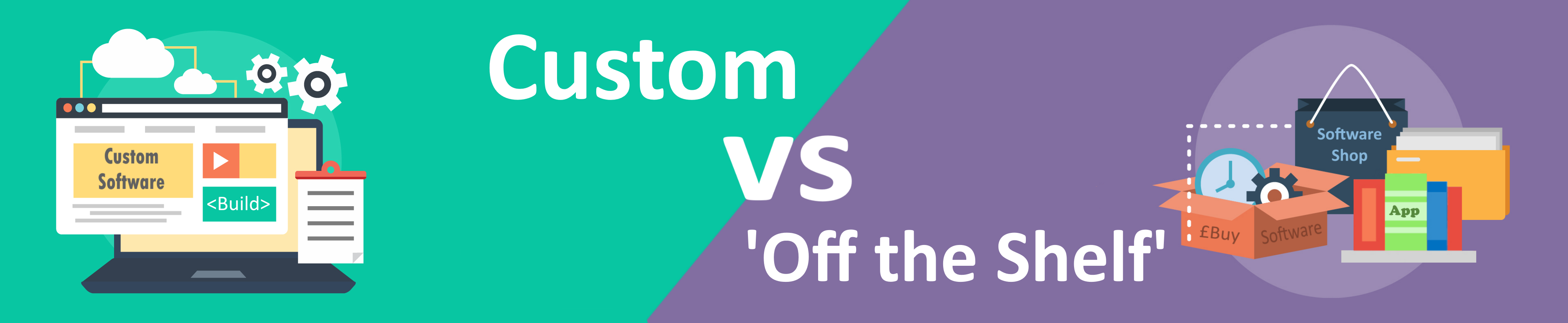
When it comes to deciding whether ‘off-the-shelf’ or bespoke software is the right choice for you, it helps to know the pros and cons of both.
Here’s a handy guide that lists them for both kinds of software, so you can make an informed decision.
Custom software pros
It is totally unique and custom-made to the client’s specification and requirements.
Only one piece of software needs to be purchased which can cover all your software needs.
Eliminates data duplication which means errors are minimised and staff waste less time rectifying them.
Data is stored in one place. This increases security and eliminates the potential for errors caused by duplication.
Hardware does not have to cope with many software packages, just the one.
New functionality can be added, as and when it is needed, with no need to move data to another system.
More support available as you have a direct line to your software developers
Your software belongs to you, you own the intellectual property rights, meaning you are free to do what you want with it.
If data needs transferring from the old software system, the developers can usually automate this process.
Custom software cons
- An upfront cost, rather than paying a monthly license fee, so initial cost tends to be higher.
- No instant access to the system. Although a large system can often be released in smaller sections, allowing partial use of the system before the full product is developed.
Off-the shelf software pros
Small upfront cost as payment is usually a monthly license fee.
Quicker access to the software once purchased if it can be downloaded or used online. Otherwise, just a few days delivery time.
Off-the-shelf software cons
- Although instant software can sometimes have customisable options, these will be severely limited and often unwanted.
- For the majority of businesses, many licenses are required due to many users. The upfront cost may be low, but over time the cost can really begin to mount up.
- More than one software product has to be bought or licensed to get all required functionality.
- Staff time is wasted due to having to switch between different software products.
- Time wasted due to copying and pasting from one software product to another – this also increases the risks of error being introduced.
- No central storage, so data can often get out of sync, because the same data is stored on more than one system.
- More software products to install and ensure they are up-to-date.
- Cost of hardware may go up, as more than one program is running and more monitors may be required to view all data.
- Data from previous systems has to be manually transferred to the new software. This means staff spending months re-entering old data into the new system.